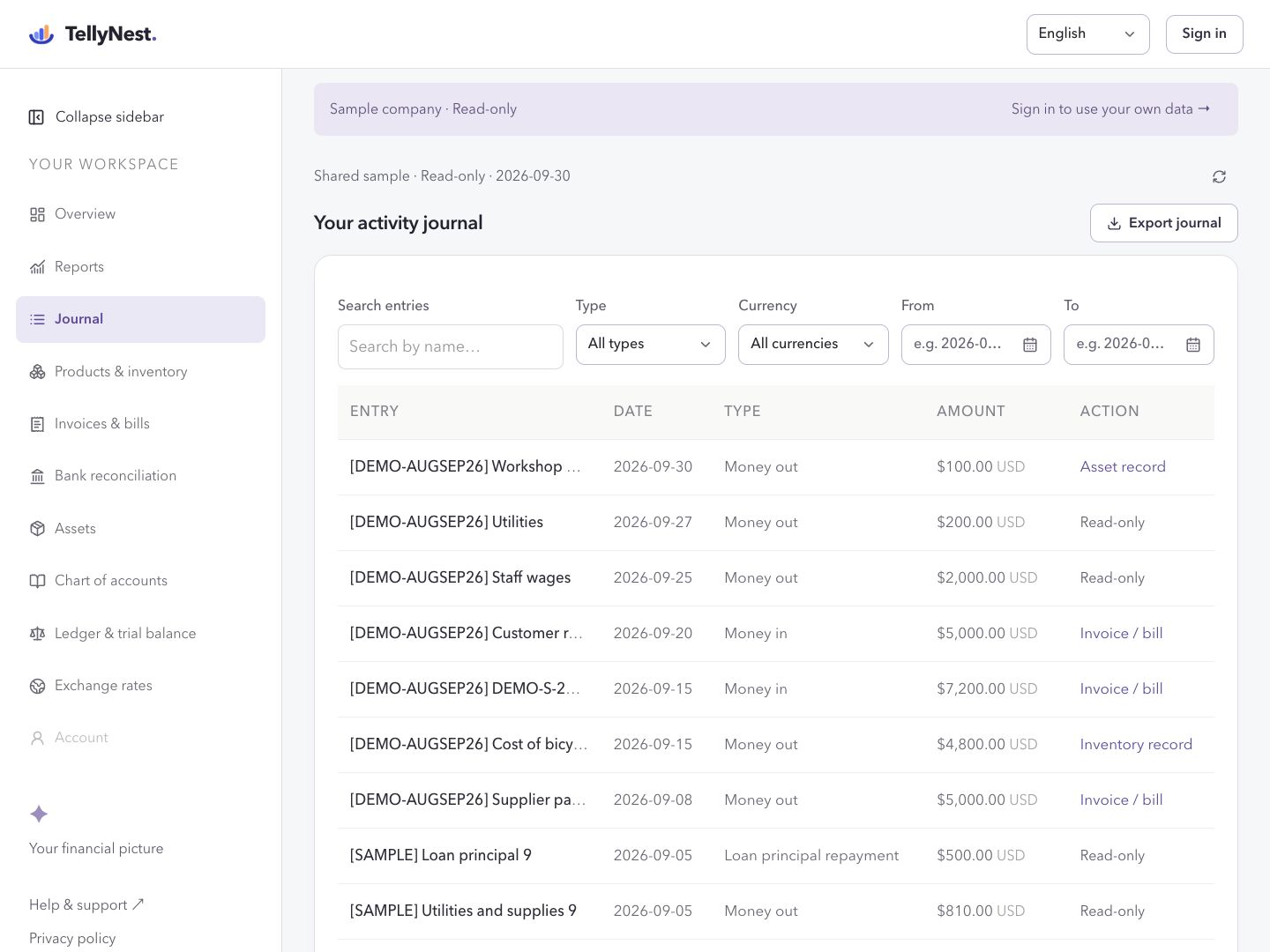
No login needed for the read-only sample. Creating or editing entries requires your own book.
Actual desktop interface · Fictional sample data
01
Record foreign-currency income
In your own book, open Journal. Choose Quick entry, enter the name, date, amount and source currency, and review the posting before saving.
02
Review the book-currency ledger
Open Ledger & trial balance and choose the accounting period. Review the original amount and recorded FX conversion in the account ledger. Display-currency valuations are a separate view.
03
Export the trial balance
Use Export trial balance to download an Excel workbook for your accountant. Keep the date range and book currency with the file.
Scope of this task
Sales invoices, supplier bills and serialized inventory currently use the book currency. Missing historical exchange rates must be resolved; they are not treated as zero. Bank rates and fees may differ.
Before your first real entry
Know where your books live and what you can take with you.
Cloud storage and backups
Records are stored with Supabase in Tokyo, Japan. Signing out does not delete them. The workspace does not offer a full-account backup download or self-service point-in-time restore. Save regular exports; contact support about recovery before relying on it.
Exports you can keep
Download Excel working papers from supported journal, ledger, trial-balance, chart, asset and report screens. Print custom financial statements or save them as PDF. Exports are not a complete restorable copy of the account.
Regions and languages
The workspace supports English and Simplified Chinese, with a functional currency for each book. It provides general small-business bookkeeping, not a country-specific tax or payroll system. Confirm local recordkeeping and data-transfer requirements before using real business records.
What the workflows cover
Bank reconciliation uses uploaded CSV or .xlsx files and user-confirmed matches; there are no automatic bank feeds or money transfers. Inventory tracks serialized units, not a full warehouse or returns system. Tax filing and statutory certification are not included.
 TellyNest